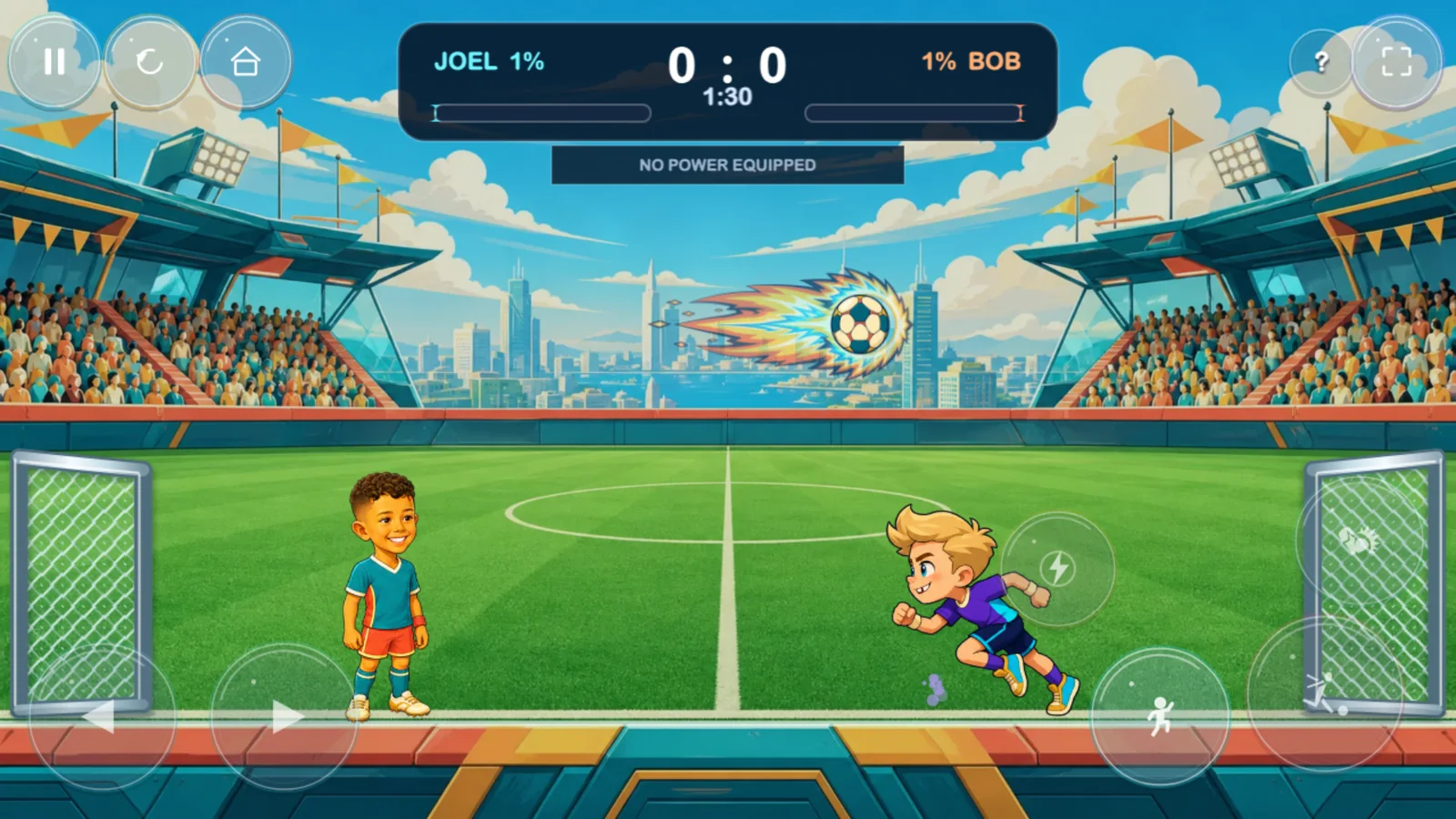
01 / Mode

NotJustPrompts Game 001
Arcade football with oversized personality. Pick your player, charge the ball, and turn a two-minute match into glorious living-room chaos.
Power-ups, earned
In the Power Lab, kids choose a superpower and earn one charge by solving a randomly selected addition, subtraction, multiplication, or division problem.
The game chooses the operation. A wrong answer earns nothing and starts a five-minute cooldown, so thinking beats button-mashing.Pick your match
01 / Mode
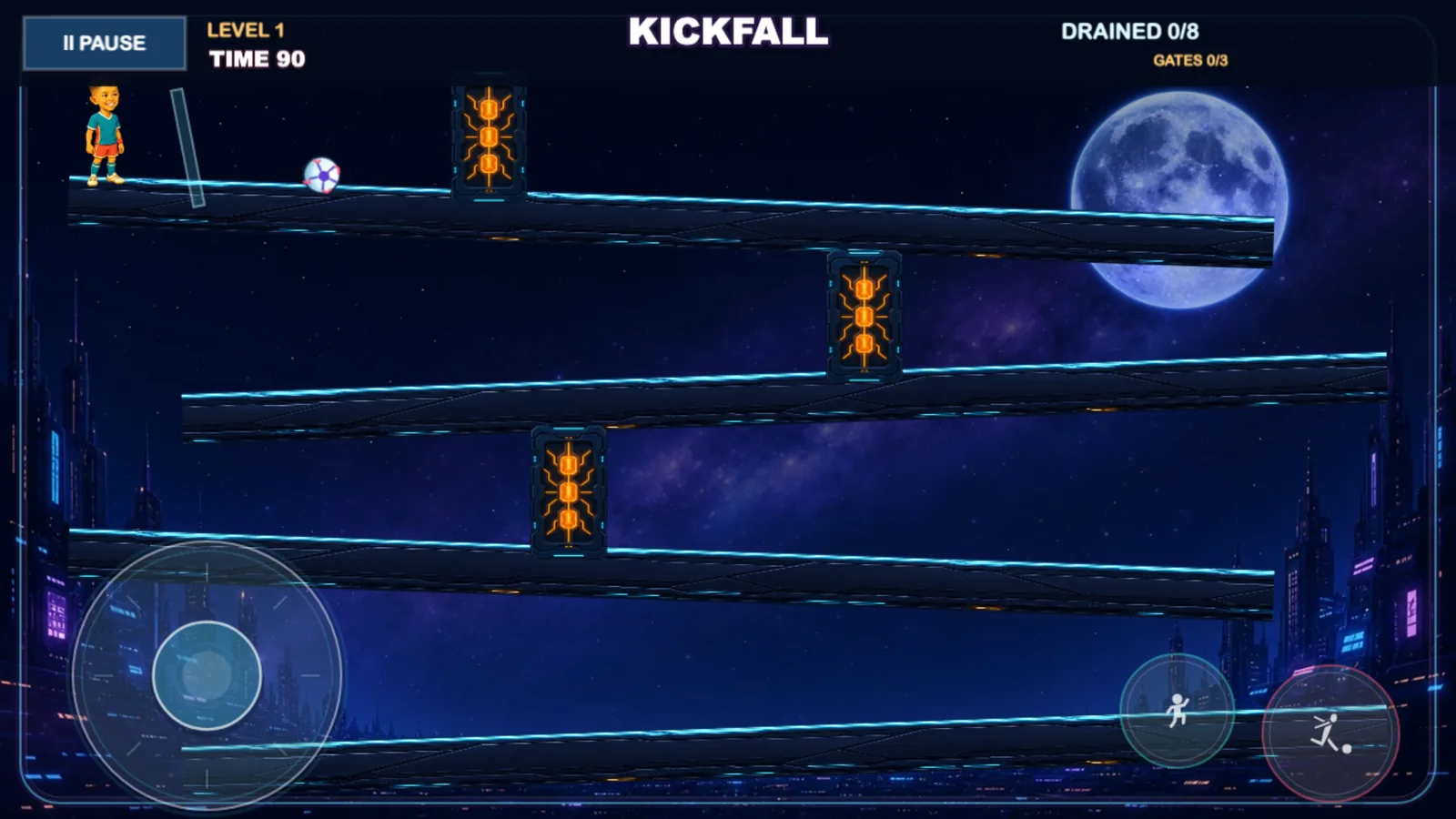
02 / Mode
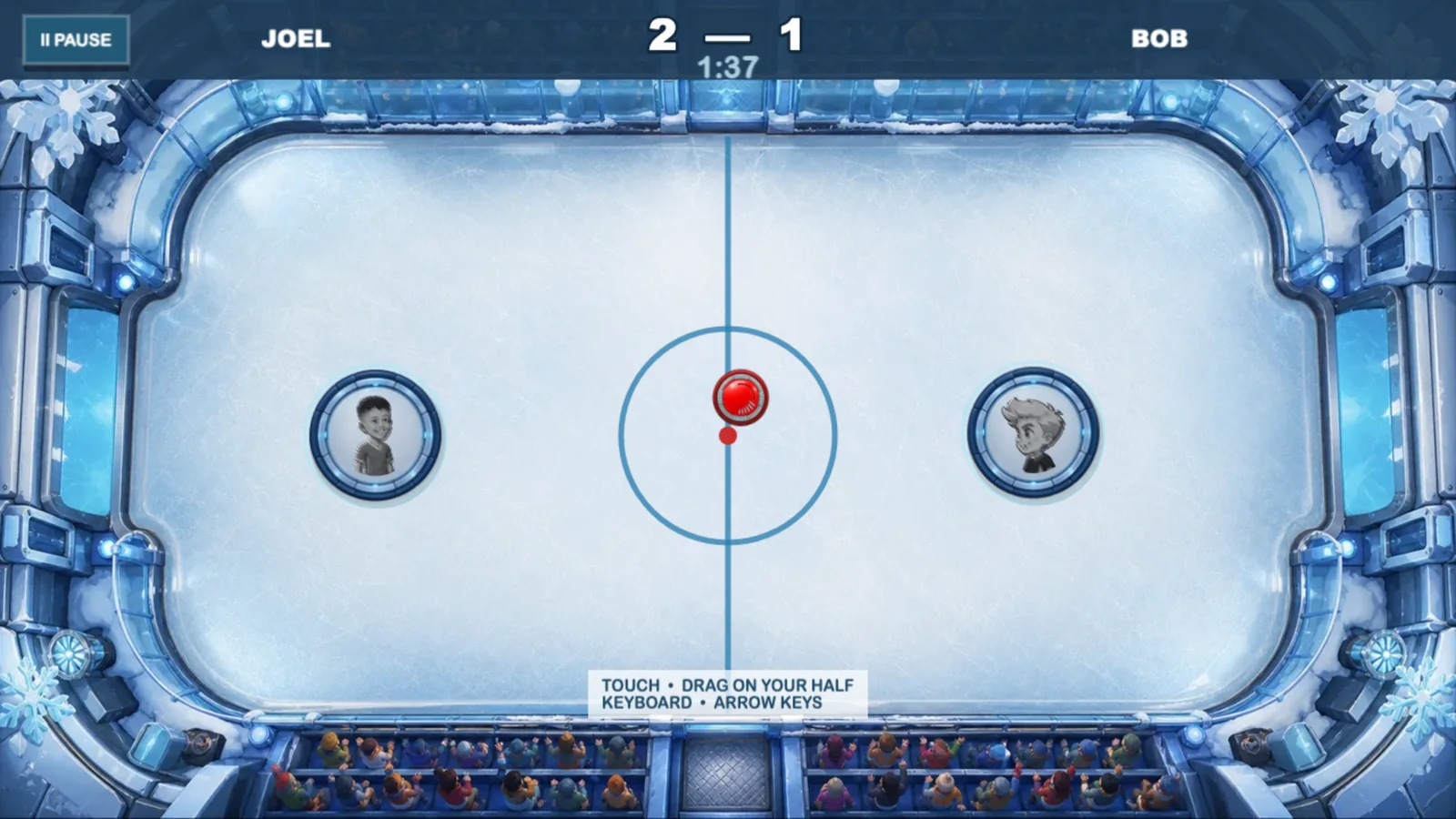
03 / Mode
Your match, your rules
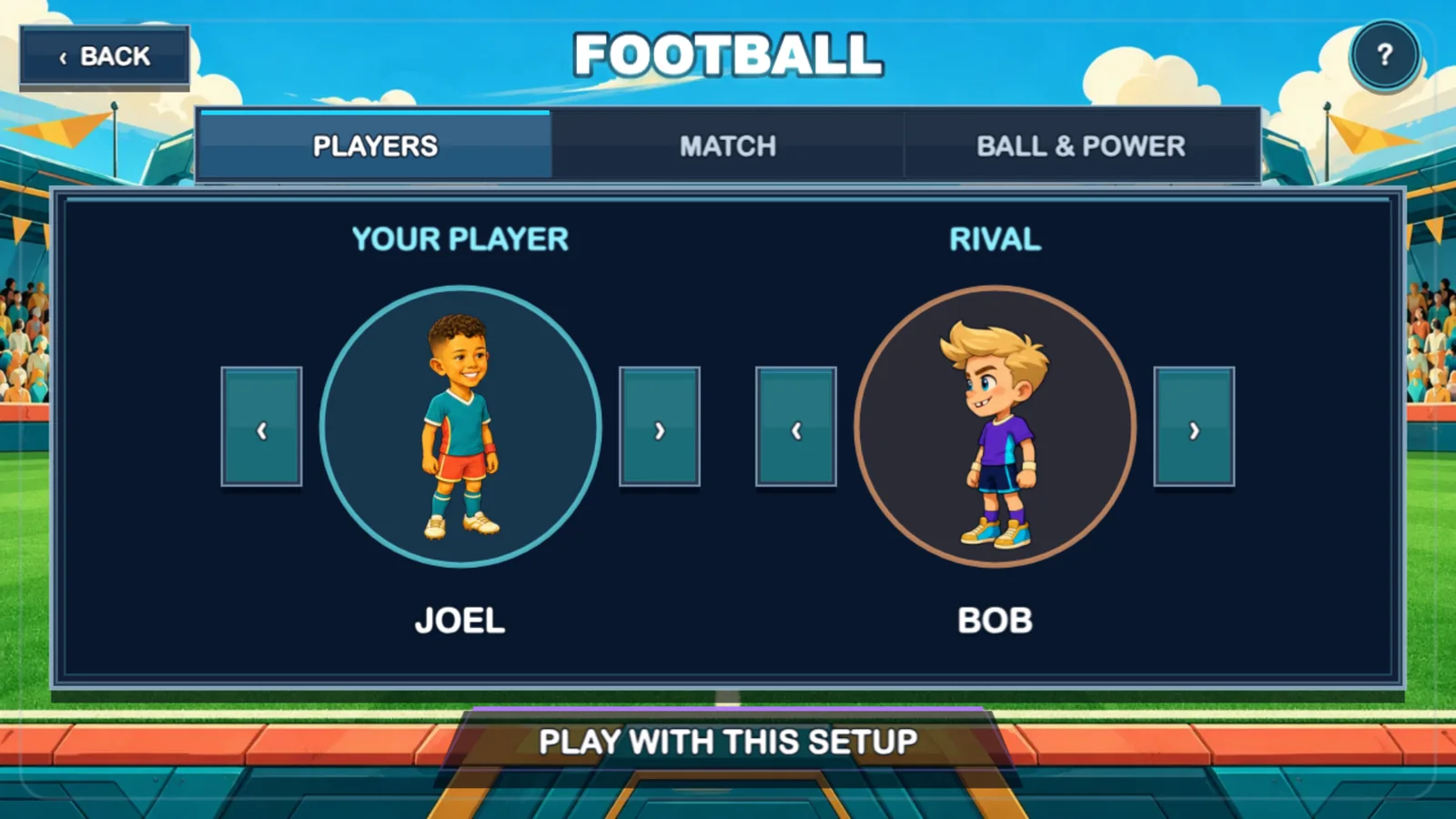
Choose who plays, who they face, the stadium, and the ball. Set the difficulty, choose the match length, and equip a special power. Then politely argue about who asked to play on hard.
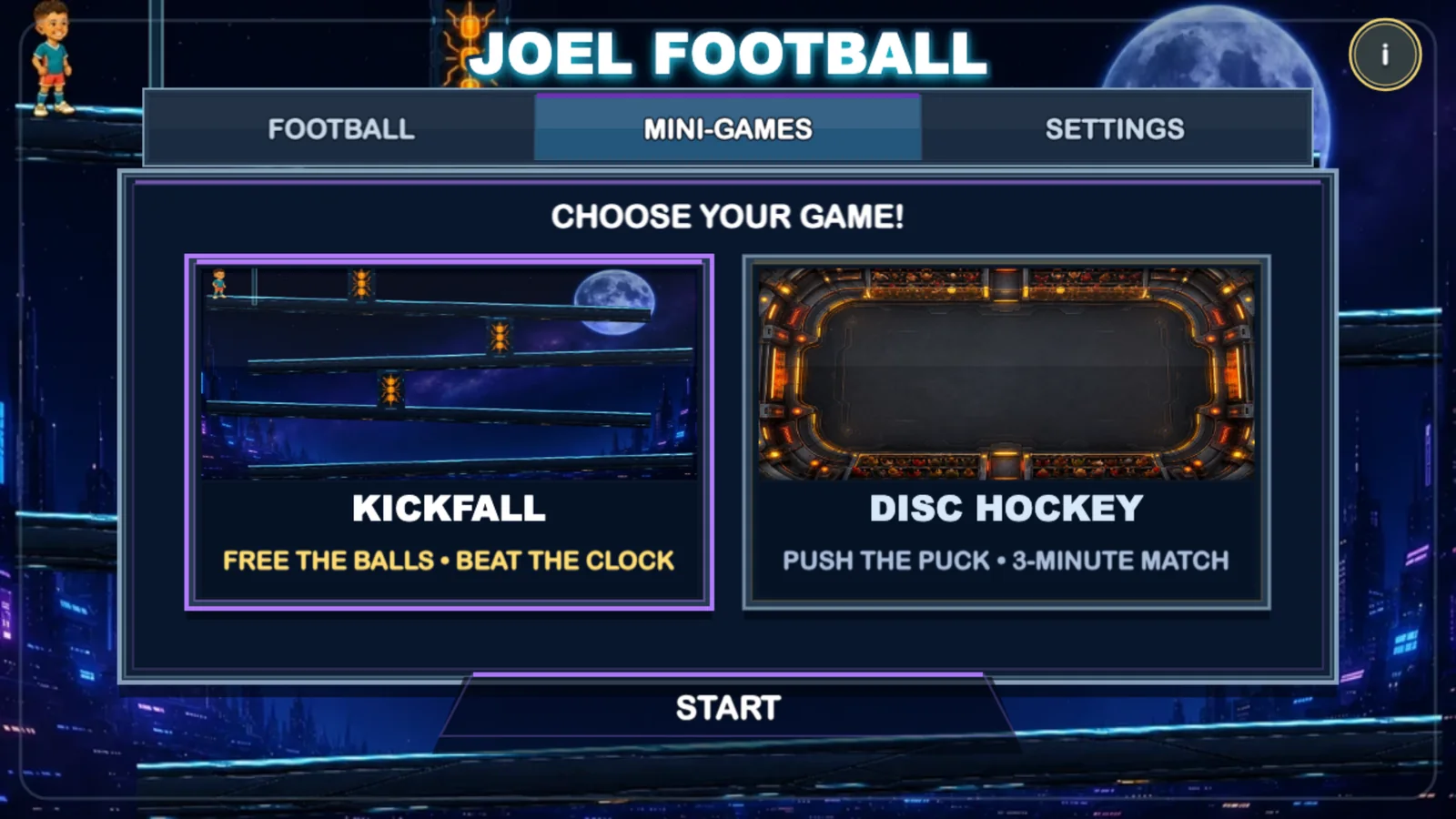
The stadium fits in a browser
Play now on a phone, tablet, or any computer. It is the exact Android game, adapted to run on the web.
Open Joel Football On a computer: open the link, choose keyboard or gamepad, and play. In Chrome you can also use “Install page as app”. Could you give us a hand?
The game is finished, but before it reaches Google Play we need more families to try it on their phones or tablets. Just play for a while and let us know whether everything works. That’s it.
An adult should submit the request. In the form, choose “I want to help test the Android app” and enter the email you use for Google Play.The grown-ups’ dugout
Joel Football has no ads, accounts, or telemetry. Progress stays on the device. If you need help or want the exact details on how data is handled, everything is here—with no mysterious small print.
Pick a player. Pick a mode. And remember: a powered football always gets the last word.